Stress less, give more!
Take the stress out of gift giving by showing people what you want before they ask.
Register For Free
Why Giftee?
Giftee allows you to share the gifts that you and your family want for special ocassions without anyone ever asking.
The first step is to create an account, this can be done by clicking the register button in the navigation bar or clicking here
Giftees are going to be the recipients of the Gifts. These are typically your children but you could include yourselves and pets.

Once you have your Giftees in place its time to start adding some gifts. The best way to do this is over time, when you see something that looks good add it in so that you are not overwhelmed when a special occasion comes around.

You will need to fill in the following fields
- Gift Name - This is what you would like to name the gift. Its a mandatory field
- Gift URL - You can add a link to the website for the gift here. This isnt a mandatory field
- Gift Price - This is the cost of the gift. This isnt a mandatory field
- Gift Description - A short description of the gift you have added. This isnt a mandatory field
You can view and share your profile by using the buttons in the navigation bar

If you click the copy profile button it will add your profile link to your clipboard so you just need to paste it to your friends and family
Its easy for Friends and Family to claim a gift. They would first need to navigate to your public profile. Should be easy with the link copied in step 4
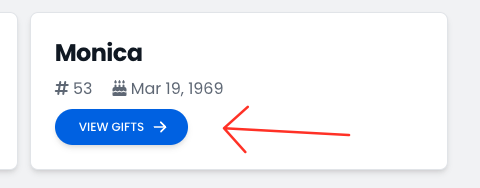
When on your public profile they can view gifts for each Giftee by clicking View Gifts
Next you can claim an unclaimed gift by hitting the claim button
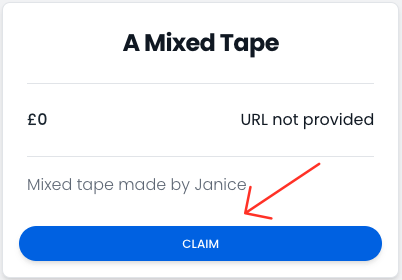
And finally enter your name so people know whos claimed it
